
 1300 026 062
POS Terminals
A POS terminal is the touchscreen computer at the heart of any point-of-sale setup — the device that runs your POS software, displays the transaction, and connects to peripherals like receipt printers and cash drawers. POS Sales Australia stocks over 75 POS terminals and touchscreen displays from iMin, Posiflex, Element, ELO, FEC, HP, Nexa, Sunmi, APT, and more — covering Windows POS terminals, Android all-in-one POS systems, tablet POS, touchscreen and non-touch monitors, customer-facing displays, and portable data terminals. All prices include GST, ship Australia-wide from our Sydney warehouse, and are backed by manufacturer warranty.
Browse by hardware type:
- All-in-One POS Systems — touchscreen and computer in one unit. The fastest install.
- Touch POS Terminals & Retail POS Terminals — Windows-based touchscreen POS computers.
- POS Tablets — Android tablet POS systems (iMin Falcon, Swift, Swan, Sunmi).
- Touch Monitors & Non-Touch Monitors — add a screen to an existing POS setup, or use as a customer-facing display.
- Portable Data Terminals — handheld scanning and inventory devices.
- POS System Accessories — cables, mounts, stands, and add-ons.
After a complete kit with software, printer, drawer, and scanner? Browse POS Bundles for ready-matched hardware sets built for specific POS software (Lightspeed, Square, Kounta, Loyverse, MYOB, Shopify POS, Vend, and more).

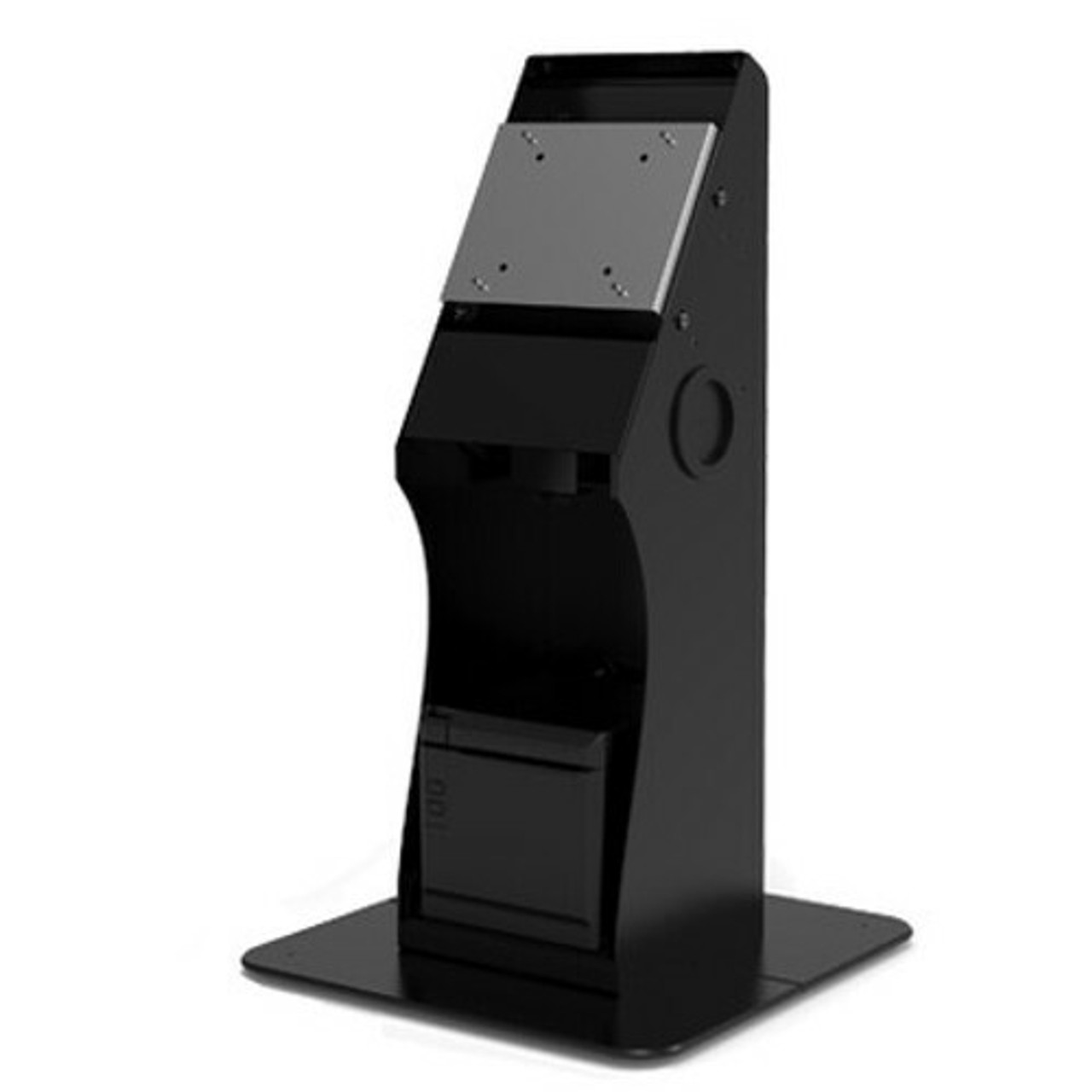
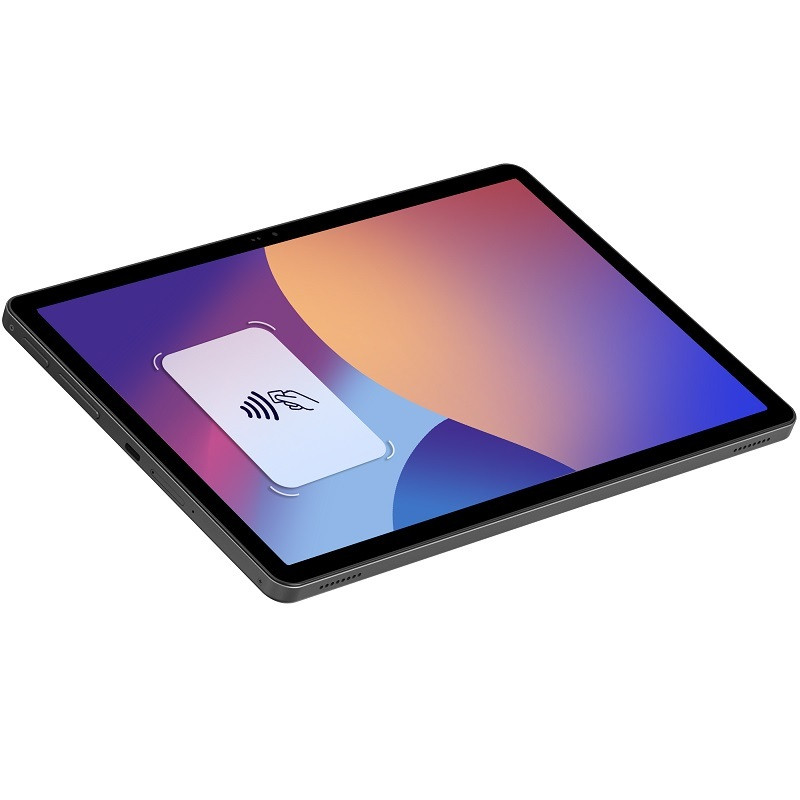
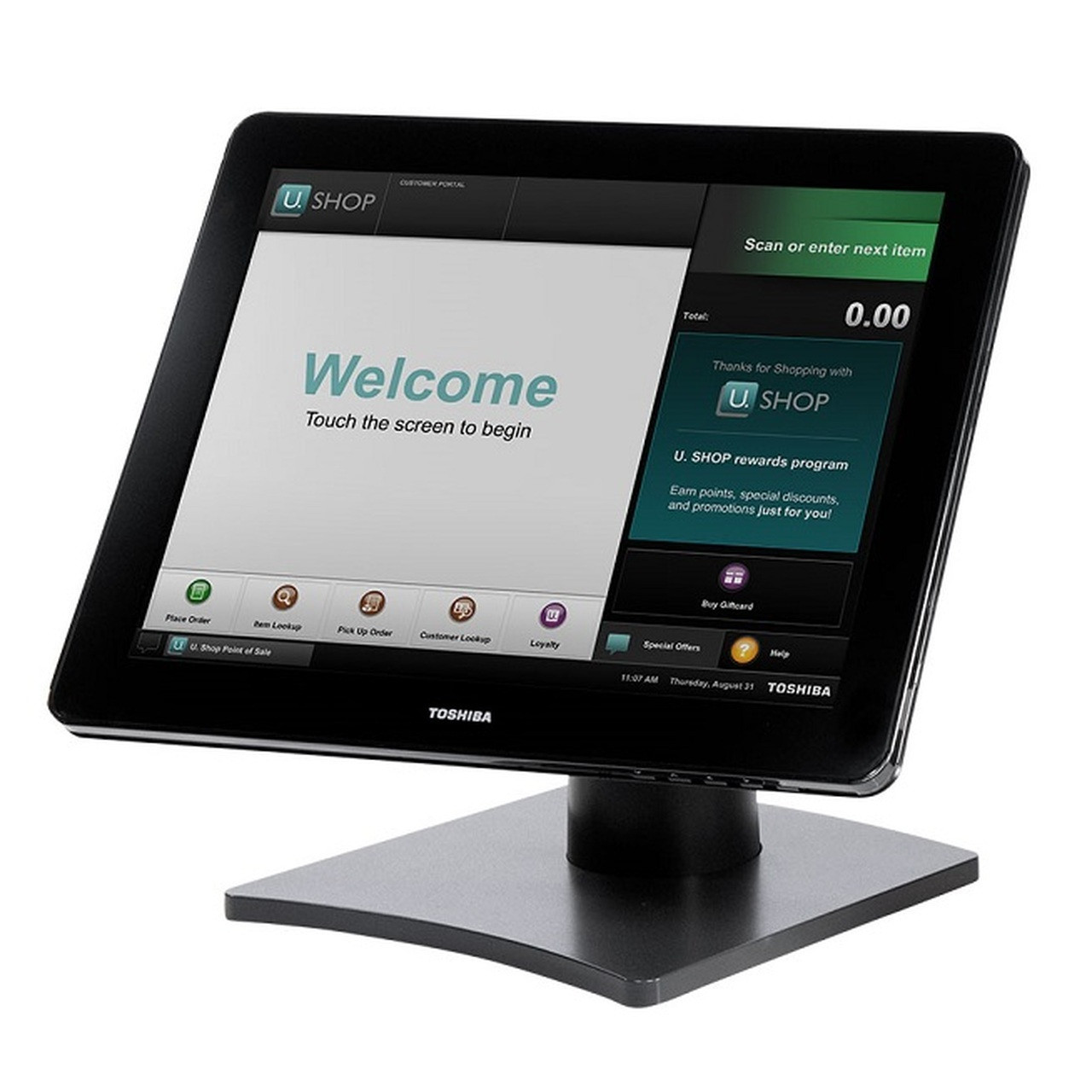
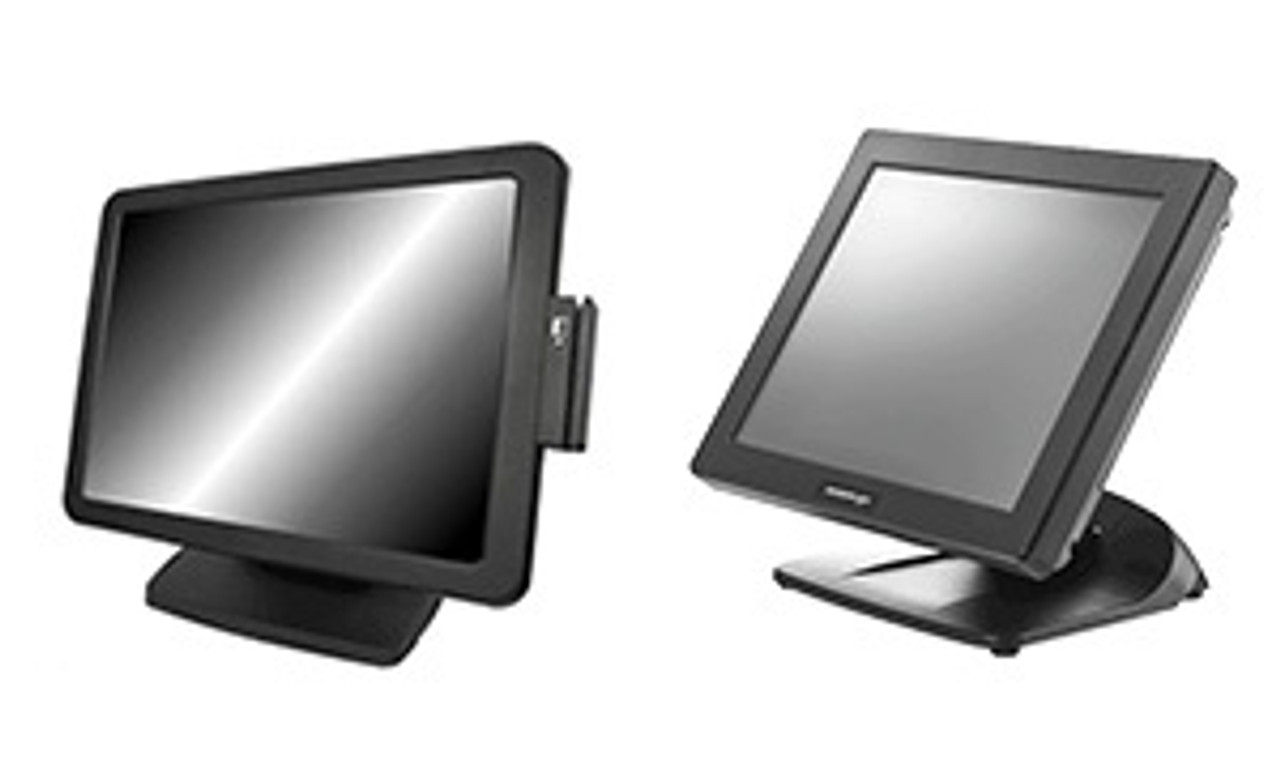
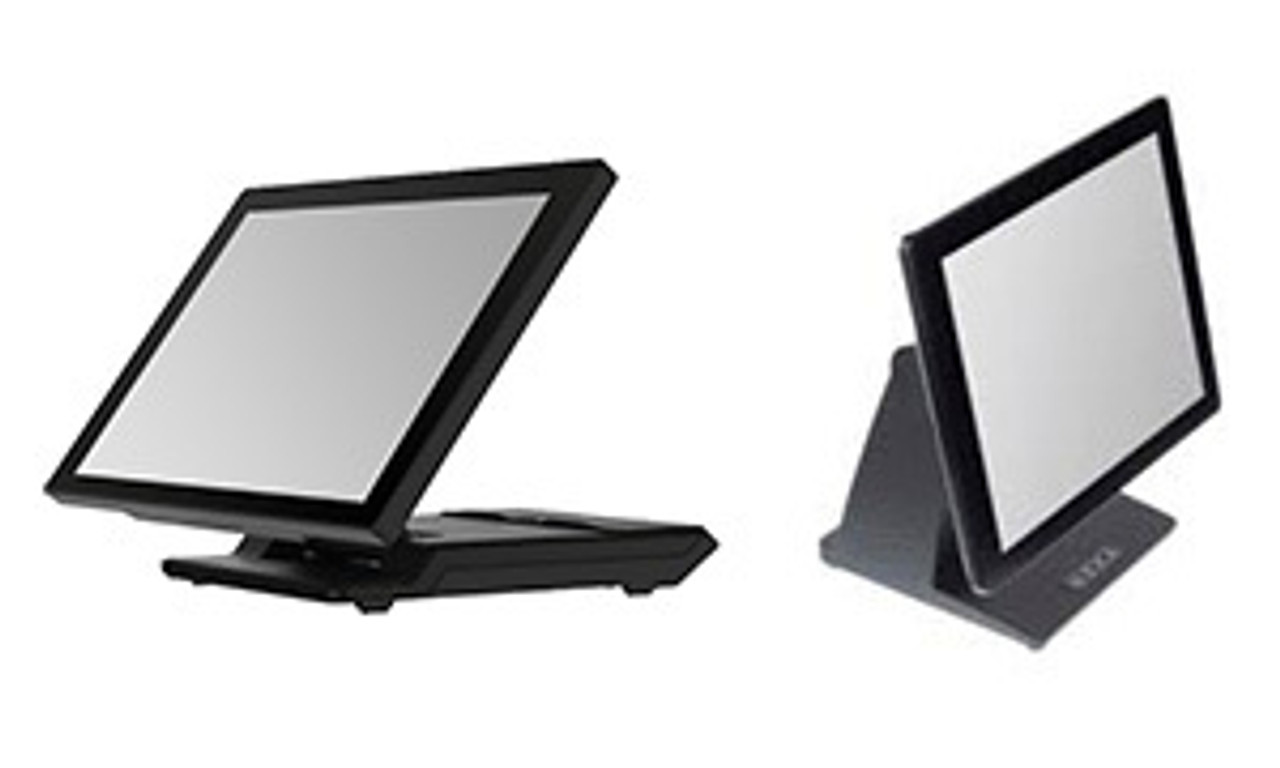
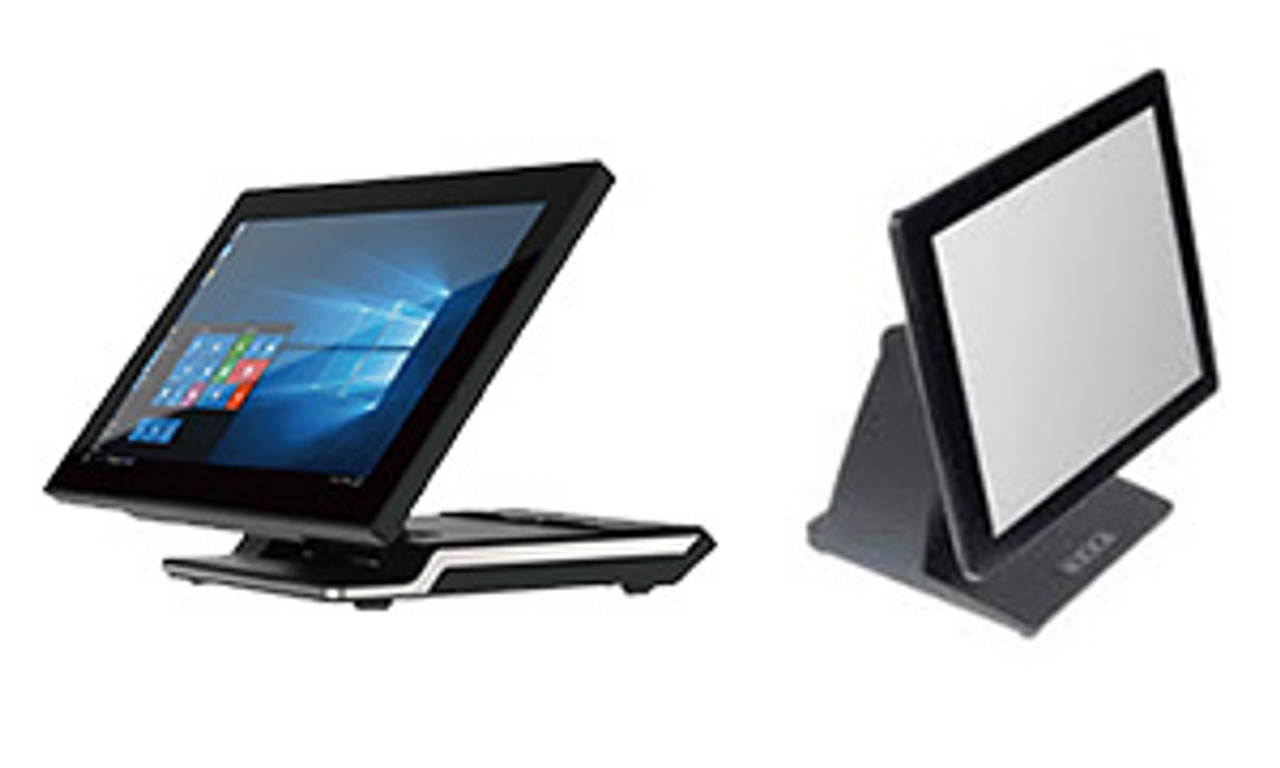
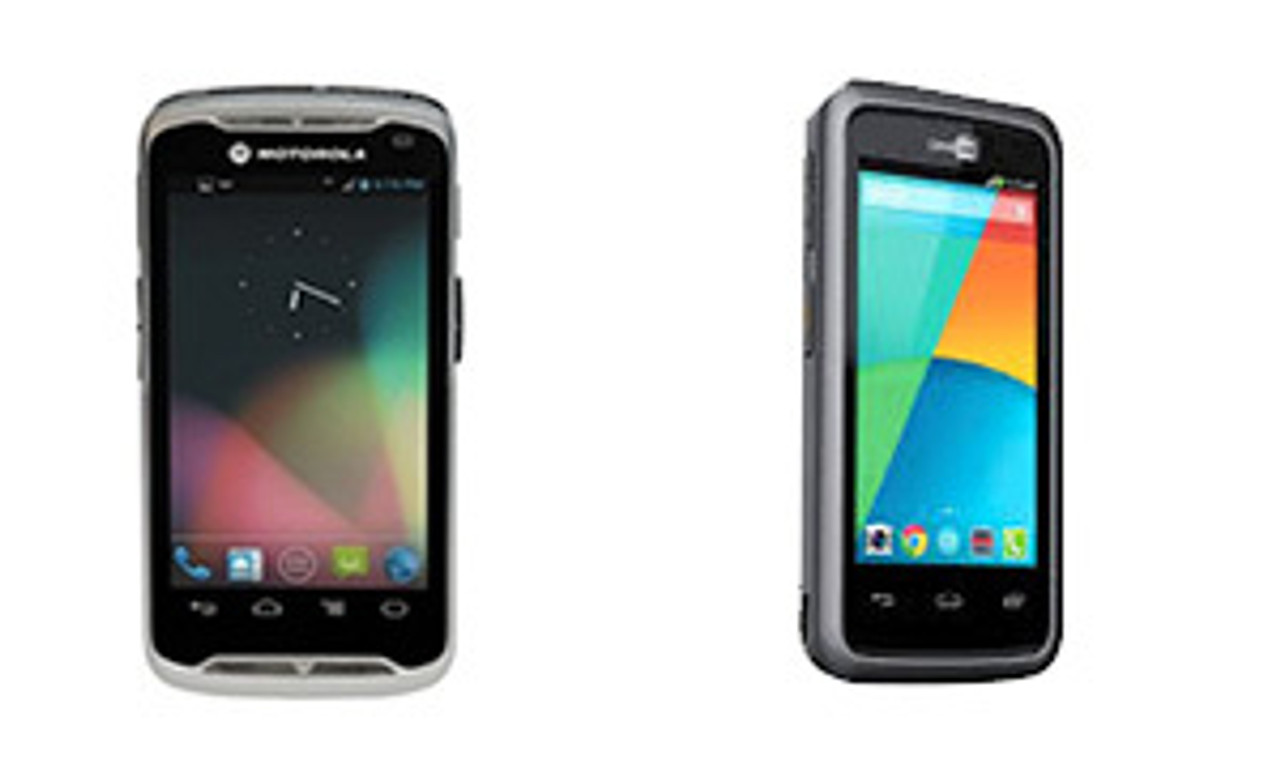
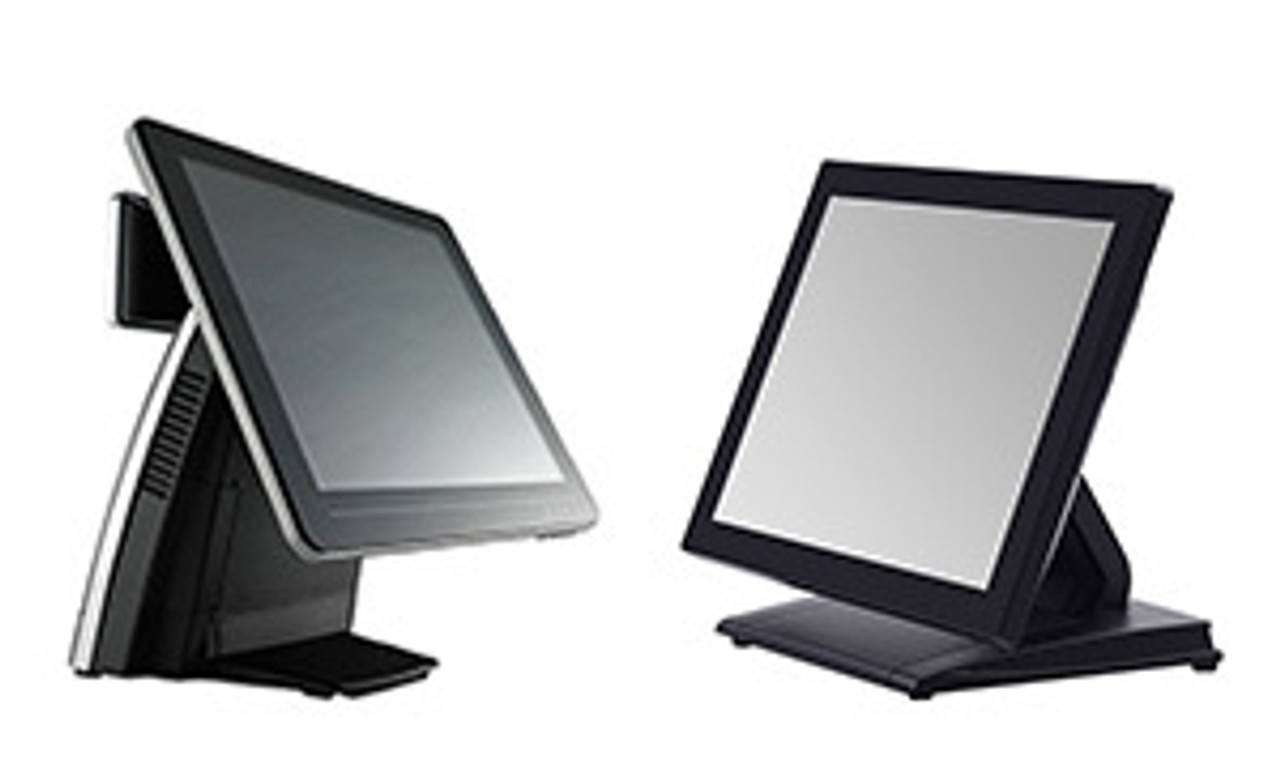
POS Terminals & Touchscreens
The POS terminal is the most important hardware decision in any point-of-sale setup. It determines which POS software you can run, how fast staff serve customers, and how the rest of your hardware (receipt printer, cash drawer, scanner, EFTPOS) connects in. Choosing the right terminal comes down to three questions: operating system (Windows vs Android), form factor (all-in-one vs monitor + PC vs tablet), and screen size.
Android vs Windows POS Terminals — The Core Decision
Android POS Terminals
Best for: cafés, restaurants, food trucks, small retail, mobile sellers. Pros: lower upfront cost, faster setup, built-in Wi-Fi, Bluetooth, 4G, and NFC; many models include an integrated 80mm thermal receipt printer. Cons: limited to Android-compatible POS apps (Square, Lightspeed, Loyverse, Kounta, Hike). Popular models: iMin Swan 2 (all-in-one with built-in printer), iMin Falcon 2 tablet, iMin Swift 2 Pro mobile terminal, Sunmi D2s Lite.
Windows POS Terminals
Best for: mid-to-large retail, supermarkets, multi-location chains, hospitality groups, and any business running Windows-based POS software. Pros: works with the broadest range of POS platforms (MYOB Retail Manager, Vend, Retail Express, Counterpoint, AccountRight, hospitality-specific software), enterprise-grade durability, more upgrade headroom. Cons: higher upfront cost, longer setup. Popular models: APT 200i Pro, Posiflex PS-3615, FEC and Element Windows touch terminals.
Form Factor — Which Layout Suits Your Counter?
All-in-One POS
Touchscreen and computer in a single chassis, sometimes with a built-in receipt printer and customer-facing display. The cleanest counter footprint, fastest install, fewest cables. Ideal for new fit-outs, small business, and single-station deployments. Example: iMin Swan 2 with dual screens and 80mm printer.
Touch POS Terminal (Self-Contained)
A purpose-built POS computer with integrated touchscreen — no built-in printer or drawer, but designed to connect to them externally. Common in retail and hospitality where peripherals are chosen separately. Example: APT 200i Pro, Posiflex PS-3615.
Touch Monitor + Mini-PC or Tablet
A standalone touchscreen monitor connected to a separate computer or tablet. Most flexible and lowest-cost path if you already have a PC or want to standardise on tablets. Example: Nexa N15+ 15.6" touch monitor.
Tablet POS
An Android tablet (or iPad) running cloud POS software, mounted on a stand or held. Lowest cost, most portable, but dependent on tablet quality and Wi-Fi reliability. Example: iMin Falcon 2 Android tablet POS.
Screen Size & Configuration
- 10–12 inches: tablet POS and mobile terminals. Suits cafés, food trucks, market stalls, mobile sellers.
- 15 inches: the standard for retail and hospitality counters — large enough for a full POS interface, compact enough not to dominate the counter.
- 17–22 inches: high-volume retail, supermarkets, hardware stores where staff need a bigger workspace.
- 23 inches+: back-office workstations and self-service kiosks.
- Dual-screen setups: a customer-facing display (typically 10.1" or 15.6") behind the main screen lets customers see their order, view promotions, or sign for payments. Common in modern retail and hospitality.
POS Terminal Brands We Stock
iMin — leading Android POS brand. Swan 2 (all-in-one), Falcon 2 (tablet), and Swift 2 Pro (mobile) cover almost every Android POS use case.
Posiflex — long-standing Windows POS terminal brand, strong on durability and reliability for retail and hospitality.
Element — broad range of touchscreen monitors, terminals, and digital displays at competitive prices.
ELO Touch Solutions — global leader in commercial-grade touchscreen monitors and POS displays.
FEC — durable Windows-based POS terminals favoured by hospitality and high-volume retail.
APT — Intel-powered Windows POS terminals for mid-market retail.
Nexa — POS touchscreen monitors, customer displays, and tablet POS accessories.
HP — back-office monitors, retail workstations, and non-touch displays.
Sunmi — modern cloud-connected Android POS terminals.
Frequently Asked Questions
What is a POS terminal?
A POS terminal is the touchscreen computer that runs your point-of-sale software and serves as the central interface for staff to ring up sales, take payments, and manage transactions. It connects to peripherals — receipt printer, cash drawer, barcode scanner, EFTPOS — to form a complete POS system.
What's the difference between an all-in-one POS, a touch POS terminal, and a tablet POS?
An all-in-one POS packages the touchscreen, computer, and often a printer into a single unit. A touch POS terminal is a purpose-built POS computer with an integrated touchscreen but no built-in printer. A tablet POS is an Android tablet or iPad running cloud POS software, paired with a stand and external peripherals.
Should I choose Android or Windows POS?
Choose Android for lower cost, faster setup, and cloud POS apps like Square, Lightspeed, Kounta, and Loyverse. Choose Windows when your POS software requires it (MYOB Retail Manager, Vend, Retail Express, Counterpoint), for multi-location retail, or when you need enterprise-grade durability.
How much does a POS terminal cost in Australia?
Entry-level Android all-in-one POS systems start around $1,000–$1,500 (iMin Swan 2). Windows POS terminals range from $1,500–$3,000 (APT 200i Pro, Posiflex PS-3615). Tablet POS systems start from $500–$800 (iMin Falcon 2). Standalone touchscreen monitors range $400–$800. Customer-facing displays $250–$400. All prices include GST.
Can I use an iPad as a POS terminal?
Yes — iPad-based POS is popular for cafés, salons, and small retail. Pair the iPad with a tablet mount or stand and run cloud POS software like Square, Lightspeed, Kounta, or Loyverse. For ready-matched iPad POS kits, see our Kounta iPad bundles and Vend iPad bundles.
What POS software works with your terminals?
Almost all major Australian POS platforms — Lightspeed, Square, Kounta, Loyverse, Hike, MYOB Retail Manager, Vend, Retail Express, Shopify POS, PosBoss, MindBody, Simple Salon, CIN7, Neto — work with the terminals on this page. Match by operating system (Android vs Windows) first, then browse POS bundles for software-specific hardware kits.
What size screen do I need for a POS terminal?
15 inches is the standard for retail and hospitality counters. Choose 10–12 inches for mobile and tablet POS, 17–22 inches for high-volume retail, and 23 inches+ for back-office workstations or self-service kiosks.
Do I need a separate customer-facing display?
Not essential, but increasingly common. A second screen (typically 10.1" or 15.6") behind the main terminal lets customers see their order, view promotions, and confirm payments. Some all-in-one terminals like the iMin Swan 2 include a built-in customer display.
Will a POS terminal work without internet?
Most Windows POS terminals work fully offline and sync when reconnected. Cloud-based and tablet POS terminals (Square, Lightspeed, Kounta) can usually continue taking payments offline, with full sync once back online — check your specific POS software's offline capability.
Buy POS Terminals & Touchscreens Online in Australia
POS Sales Australia ships POS terminals and touchscreen displays Australia-wide from our Sydney warehouse with next-business-day dispatch on in-stock items. All prices include GST and come with manufacturer warranty. For help selecting the right terminal for your POS software, screen size, or budget, contact our team on 1300 026 062 by phone, email, or live chat — or browse POS bundles for software-matched hardware kits.